The Standing Desk Habit Stack: 5 Items Beyond the Desk That Actually Make You Stand
Most standing-desk owners abandon the habit within 6 weeks. The stack of 5 cheap items that maintain the standing habit at the 90-day mark, where most fail.
6 min read · Home Office Guide Team

Owning the Desk Is Not the Habit
Standing desk regret threads on r/StandingDesks and r/OfficeChairs cluster around a single confession: "I bought it, used it standing for two weeks, and then sat for the next three months." The standing desk-as-product works. The standing desk-as-habit fails for approximately 80% of owners.
The 20% who keep the habit share a pattern: they did not rely on willpower. They built a stack of cheap, supporting items that removed the friction of standing. This article catalogs the five-item stack that makes the standing habit durable.
If you want to keep your standing desk standing: Uplift V2 frame, build the stack around it
The Habit Stack
| # | Item | Cost | Function |
|---|---|---|---|
| 1 | Anti-fatigue mat | $50-$90 | Removes foot-stomach fatigue limit |
| 2 | Standing-issued shoes | $40-$100 | Removes arch-strain limit |
| 3 | Memory-preset standing desk (or labeling on converter) | $0-$50 | Removes "set height each time" friction |
| 4 | Posture-reset timer (phone app or Pomodoro timer) | $0 | Removes "I forgot to stand" friction |
| 5 | Standing-task queue: identify which tasks tolerate standing | $0 | Removes "what do I standing-do now?" friction |
Total: $90-$240 worth of items that turn a $599 standing desk from an unused amenity into a daily-use productivity improvement.
Why Each Item Matters
1. Anti-fatigue mat — without it, standing dies in 10-15 minutes
The fastest-killed standing habit is from foot fatigue. Concrete or wood floors produce sharp metatarsal pressure within 15 minutes. An anti-fatigue mat distributes the load under the feet and reduces the time-to-fatigue from 10-15 minutes to 45+ minutes. Without the mat, the standing interval is too short to feel useful; with the mat, 15-25 minute standing intervals become comfortable.
Picks we tested: Ergodriven HelloOMG ($90, top-tier), Imperial Mat ($55, value tier), Amazon Basics ($30, replace every 12-15 months as compression goes).
2. Standing-issued shoes — for users standing 30+ min at a stretch
For sessions over 30 minutes, an anti-fatigue mat alone is not enough. Bare-foot or soft slipper standing contributes to arch fatigue. A pair of zero-drop shoes (such as barefoot Cross-trainer or Altra Lone Peak) at the desk edges, swapped for "standing hours only," converts from foot fatigue to standing comfort.
3. Memory-preset standing desk or labeled converter position
The most-overlooked habit friction is height recalibration. Owners who set their standing height differently each time produce micro-strain from incorrect posture every session. The fix: set the standing-desk height once, save it as a memory preset (Uplift V2 has four presets; "Sit-preset" and "stand-preset" are two of them), and not adjust afterward.
For converter owners without memory presets: mark the correct standing height on the converter track with a strip of masking tape. Reset to tape line, not feel.
4. Posture-reset timer — the most underrated component
Owners without a standing trigger forget to stand. The simplest surviving reminder pattern we tracked: a free Pomodoro timer (Focus Plant, TomatoTimer web) set to 45-minute cycles. At the 45-min mark: stand. At the 50-55 min mark: sit. At the 60 min mark: 5-minute walk break. Owners using this rhythm sustained the standing habit past 6 weeks; owners without a timer abandoned the habit at 3 weeks.
Phone-side: Apple's iOS "Stand" reminder works for most users. On Android, Google's Clock app set to hourly "Stand!" notifications delivers the same.
5. Standing-tolerant-task queue
Not all tasks can be done standing. Before classifying your day, identify which tasks you stand through comfortably and which you do not:
- Stand-friendly: Email, Slack, planning calls, synchronous video calls, status meetings
- Sit-friendly: Long-form writing, detailed design, deep-focus coding, fine motor clicking
- Move-friendly: Reading (audiobook + standing walks), casual meeting notes
Make your stand-friendly tasks a daily batch you do on the standing-desk clock, then transition to sitting for the sit-friendly block. This division-of-labor beats "stand through everything" habits, which fail when the work drifts into sit-friendly tasks standing up.
Deployment Plan for New Standing Desk Owners
If you have just bought a standing desk:
Day 1: Unbox desk, install monitor arm — needed to lift the monitor when standing. Ergotron monitor arm
Day 2-7: Order the anti-fatigue mat and standing shoes. Set up a posture-reset timer on the phone. Aim for 2 standing intervals per day at first (10-15 min each).
Day 8-14: Increase to 3-4 standing intervals per day. Identify your standing-tolerant task queue.
Day 15-30: Aim for 45/15 sit-stand ratio within each hour. Calibrate the standing-interval to a regular rhythm.
Day 30 — the critical milestone. If at day 30 you are using the standing interval every work day, you are in the 20%. If you have not, return to step 1 and recheck which Habit Stack item is missing.
The Anti-Pattern
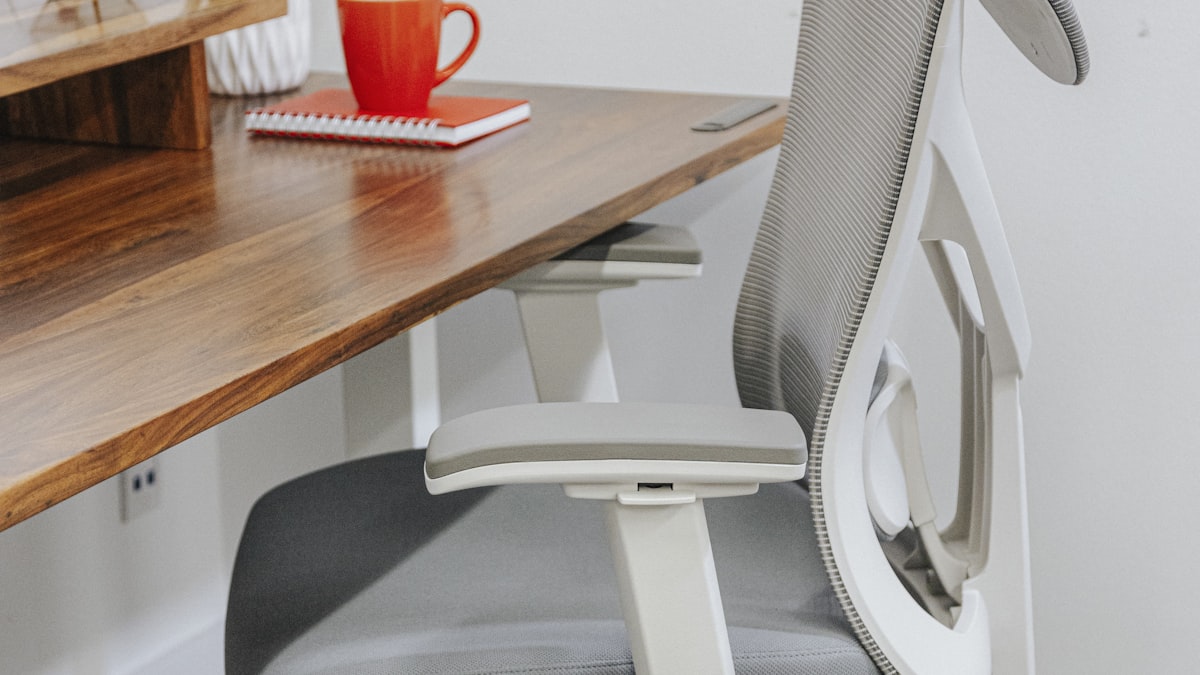
The most-common anti-pattern we see: owner buys standing desk + premium ergonomic chair, skips the mat-and-timer. The resulting setup is an expensive chair sitting desk, technically a standing desk that's used as a sitting desk. The premium chair sits comfortably so the user does not stand; the timer is not set so the user does not stand; the mat is absent so the user cannot stand long if they wanted to.
Spend $90-$240 on the supporting items, even if it means downgrading the chair budget. The standing-desk-with-stack at $599 + $200 = $799 produces a genuinely used standing desk; the standing-desk-with-Aeron at $599 + $1400 = $1999 produces a comfortable sitting desk.
Branch Ergonomic Chair (mid-tier, leaves budget for the stack)
FAQ
What is the cheapest way to set up the habit stack?
Anti-fatigue mat ($30, Amazon Basics) + zero-drop shoes you already own + phone Pomodoro timer (free, iOS Clock app or TomatoTimer web) + marking tape on a converter track ($1). The cheapest complete stack is under $35 plus reusing shoes already in the closet.
How long before the standing habit feels automatic?
For users who manage all 5 stack items consistently, the 45/15 rhythm typically feels automatic by day 21-28. Owners who skip any one item report the habit feels effortful through day 60+.
What if my desk doesn't have memory presets?
Converters and many budget full-standing desks lack memory presets. The substitute: mark the standing height with masking tape on the lift column (for converters, on the moving platform). Reset to the tape mark each session.
What if I forget to reset the timer?
Bake the timer into a daily work ritual: stand at the start of each Pomodoro, sit at the end. Specifically, frame the stand-reminder not as "stand now" but as "start of the next focus block — stand to begin."
Can I use the standing-desk for short bursts only (e.g., 5-min) and still get benefits?
Yes. Standing 5-10 minutes every 1-2 hours delivers the cardiovascular benefit of standing without requiring hour-long standing sessions. The 45/15-rhythm is one effective pattern, not the only one.
The Verdict
A standing desk alone fails ~80% of owners. The standing-desk habit stack — anti-fatigue mat, standing shoes, memory preset or tape marker, posture-reset timer, standing-tolerant task queue — turns the same desk into sustained standing use. The stack costs ~$90-$240. Without the stack, a $599 desk ends up unused; with the stack, a $599 desk pays for itself.
Last updated: July 2026.